
Home Energy Monitor Australia: How to Track What Your Home Uses in 2026
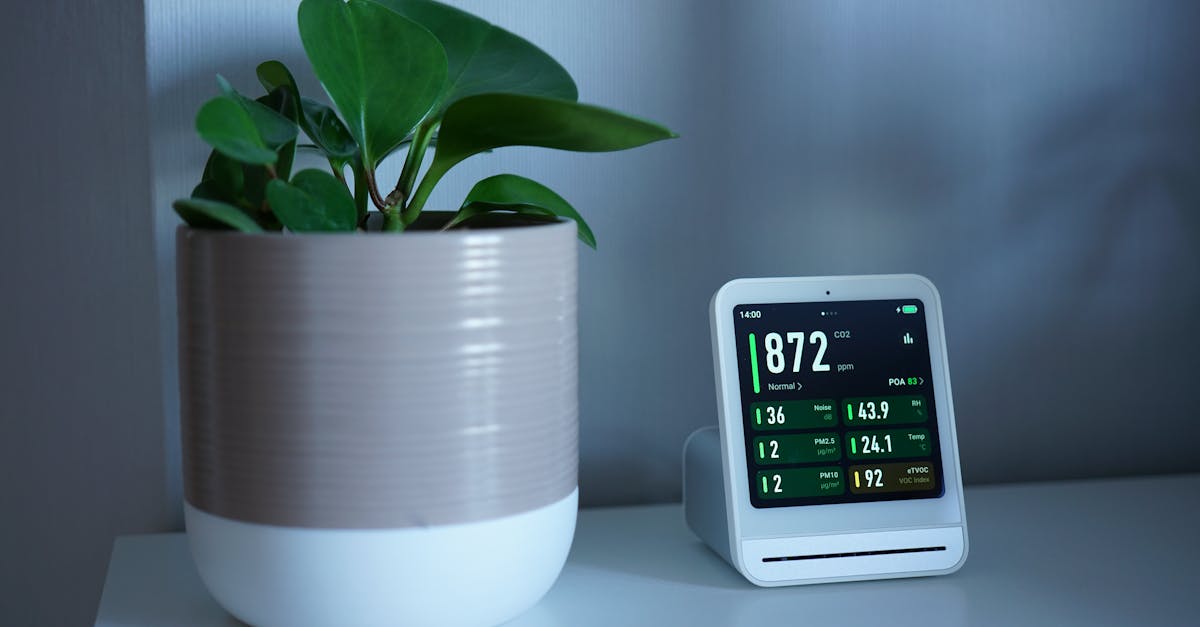
A home energy monitor shows you how much electricity your household is using in real time — and, on some systems, breaks it down by appliance or solar generation. It is one of the most practical tools available to Australian households who want to reduce their electricity bill, understand their solar system's performance, or prepare for a battery installation.
This guide covers the types of home energy monitors available in Australia in 2026, what they actually show you, and how to choose the right level of monitoring for your situation.
- Home energy monitors range from whole-home clamp meters ($150–$400) to smart plug monitors per appliance ($25–$60).
- Solar households benefit most from monitors that show generation, self-consumption and export simultaneously.
- Some monitors integrate with home automation or feed into battery management systems.
- Installation near the switchboard typically requires a licensed electrician.
What a home energy monitor does
A home energy monitor measures the flow of electricity in your home and reports it to an app or display. Depending on the type, it can show:
- Total household consumption right now (watts or kW)
- Daily, weekly and monthly usage in kWh
- Solar generation and export (if you have panels)
- Self-consumption rate (how much of your solar you're using rather than exporting)
- Peak demand periods
- Estimated electricity cost based on your tariff
The key word is *monitor* — these devices measure and report. They do not control anything. Some integrate with smart home platforms or battery systems to enable automation, but measurement is the core function.
Types of home energy monitors
1. Whole-home clamp meters
A clamp sensor installs on your main switchboard wires and measures the total current flowing through your home. The sensor connects to a hub that sends data to a smartphone app.
- Cost: $150–$400 for hardware; some require professional installation
- What they show: Total household consumption, often with solar generation if you have panels
- Pros: Non-invasive installation (clamps go on existing wires without cutting them), shows your full house picture
- Cons: Does not identify individual appliances; requires access to your switchboard
Examples of this type in the Australian market include Emporia, Sense and various inverter-integrated monitors.
2. Inverter-integrated monitoring (solar households)
If you have solar panels, your inverter likely includes monitoring software already. Most inverter brands — Fronius, SolarEdge, Sungrow, Huawei, Enphase — provide apps that show:
- Solar generation in real time
- Export to the grid
- Consumption (on some models, with additional sensors)
For basic solar performance tracking, inverter-native monitoring is often enough and costs nothing beyond your existing system.
Limitation: Most inverter apps show generation accurately but estimate consumption, or show it as "grid import" rather than direct measurement. For accurate consumption data, a separate whole-home clamp is more reliable.
3. Smart plug energy monitors (per appliance)
A smart plug with energy monitoring sits between a single appliance and a power point, measuring only that appliance's draw. Covered separately in detail — see the guide on smart plug energy monitors.
| Monitor type | Shows total usage | Shows solar | Shows per-appliance | Cost |
|---|---|---|---|---|
| Whole-home clamp | Yes | Yes (with CT) | No | $150–$400 |
| Inverter app | Partial | Yes | No | Usually free |
| Smart plug | No | No | Yes (one at a time) | $25–$60 each |
| Advanced whole-home (Sense) | Yes | Yes | Yes (ML-based) | $400+ |
Why solar households benefit most from monitoring
Without monitoring, most solar households cannot answer basic questions:
- What percentage of my solar generation am I actually using?
- What time of day does my household draw the most from the grid?
- Has my solar system's output declined over time?
- Would shifting my dishwasher or hot water to 11am make a meaningful difference?
A whole-home monitor paired with an inverter app answers all of these. The self-consumption rate — how much of your solar you use rather than export — is the key metric for households considering a battery. If you export most of your generation, a battery can capture that energy for evening use.
Features to look for in Australia
Australian electrical compatibility
Confirm the clamp sensor and hub are designed for 230V / 50Hz single-phase wiring (standard for most Australian homes). Three-phase homes require monitors that support three-phase measurement.
Three-phase support
Approximately 10–15% of Australian homes, particularly newer builds and those with large appliances or EV chargers, are on three-phase power. Not all monitors support this — confirm before purchasing if you have three-phase.
Solar CT (current transformer) input
If you have solar, look for a monitor with a dedicated CT input for your solar feed — this lets the device measure generation and consumption independently, calculating self-consumption and export accurately.
App quality and data retention
Your monitoring data is only useful if you can access it clearly. Look for:
- Clean daily/weekly/monthly graphs
- Tariff input for dollar estimates
- Export to CSV for manual analysis
- At least 12 months of data retention
Local vs cloud-dependent operation
Some monitors only work when their cloud service is active. If the manufacturer's servers go offline or the company closes, the device stops reporting. Local-network-capable monitors continue working without cloud access. Check the manufacturer's data retention and continuity policies.
Integration with home automation
If you use Home Assistant, Google Home, or a battery management system, confirm compatibility before buying. Some monitors expose data via local API; others require cloud integrations.
Installing a whole-home energy monitor
A whole-home clamp meter installs at your switchboard. The process typically involves:
1. Clamping current transformers (CTs) around your main incoming wires — this does not require cutting wires
2. Connecting a data cable from the CTs to a hub unit
3. Powering the hub (usually from a nearby power point or low-voltage supply)
4. Connecting the hub to your home Wi-Fi
5. Setting up the app
For most households, this should be done by a licensed electrician. While the clamps themselves do not interrupt the circuit, working near live switchboard wiring involves serious safety risks.
What monitoring cannot do
- It cannot tell you which circuit is using power (unless you install per-circuit CTs)
- It cannot identify individual appliances below a certain wattage threshold
- It cannot control your appliances (monitoring only, unless integrated with smart switches)
- It cannot replace a proper solar system audit or electrical inspection
Using monitoring data practically
Once installed, the most useful things to do with your monitor:
Identify your baseline overnight load
Look at 2–4am usage. Whatever your home draws then — with everyone asleep and no solar — is your irreducible standby load. For most homes this is 200–400W. Significantly higher figures suggest an appliance (fridge, hot water, pool pump) running continuously.
Find your peak consumption window
Most Australian households peak between 5pm and 9pm — cooking, air conditioning, TV, EV charging. This is also when grid electricity is most expensive on time-of-use tariffs. Monitoring confirms your actual peak and helps assess whether shifting loads or adding a battery would help.
Measure solar self-consumption
Compare your solar generation curve against your consumption curve. The overlap is self-consumption. If you generate 20kWh per day and consume 8kWh during solar hours, your self-consumption is 40%. A battery could capture more of the remaining 60%.
A home energy monitor gives Australian households the data they need to make better decisions — about appliance usage, solar self-consumption, battery sizing and tariff selection. A whole-home clamp monitor ($150–$400) is the most complete picture; a smart plug ($25–$60) is the cheapest way to measure individual appliances. Solar households should prioritise monitors that show generation, consumption and export together.